
Schedules Teachers Actually Love - No More Burnout
Unlike standard algorithms that stack consecutive classes, Timetables Pro uses Human-Centric Logic to ensure balanced workloads, without burnout.
Steps to Setup Timetables in Minutes
Generate powerful timetable with a few simple steps.
Input Core Data
Define classrooms, subjects, teachers and constraints.
Auto-Generate
With single click, our algorithms will generate an optimized timetable.
Review & Approval
Review timetable and approve it for final use.
Print & Share
Export / Print timetable for teachers and students
Teacher Access
Give your teachers credentials to access their schedules via mobile app.
Smart Platform for an Organized School Day
Timetables Pro for your comfort all year — professional timetables, smart standby cover, daily duties, mobile alerts, and more...
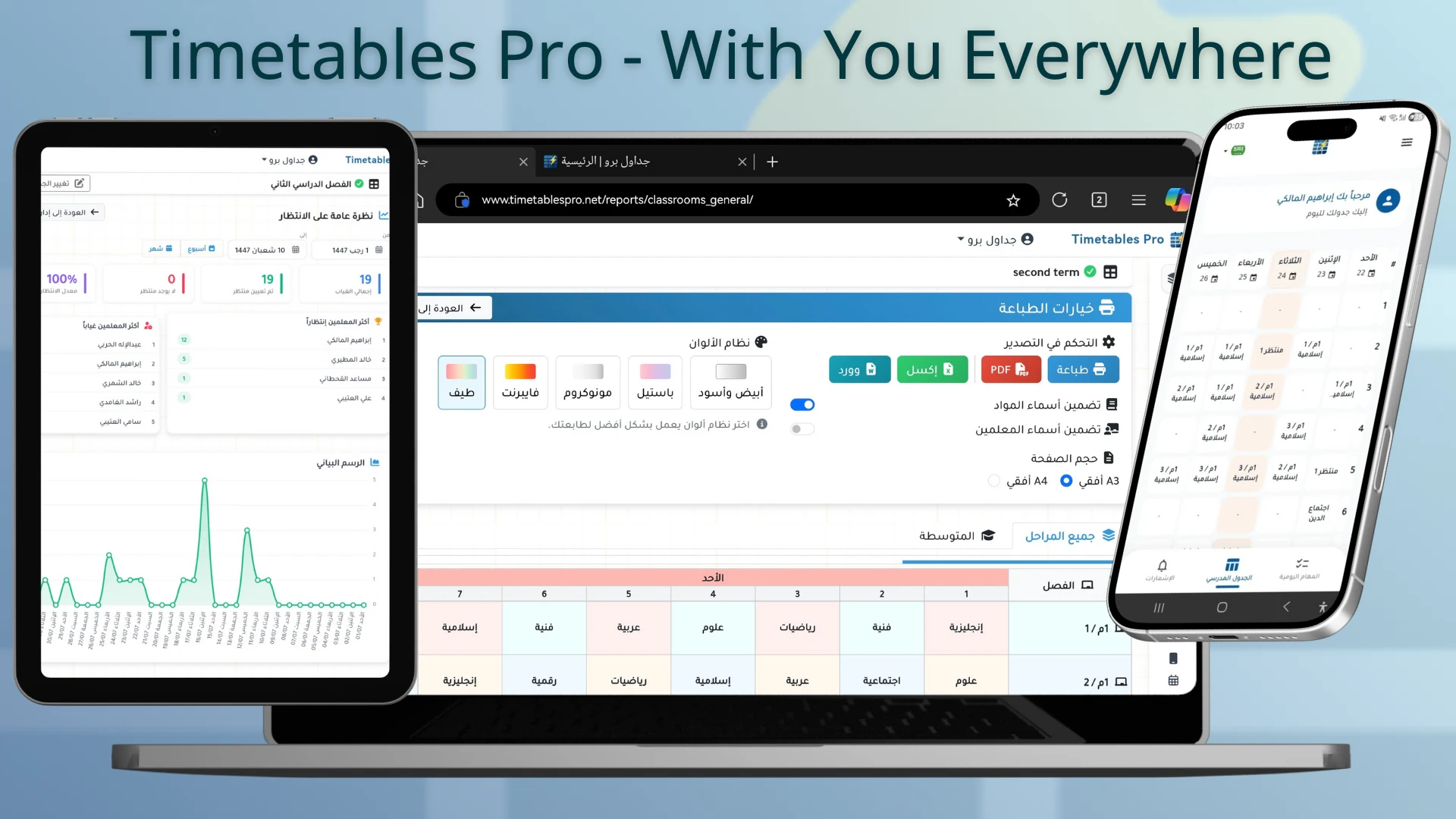
Cloud Platform
Manage and generate your timetables anytime, anywhere. Our platform works seamlessly across PCs, tablets, and smartphones - all you need is an internet connection.
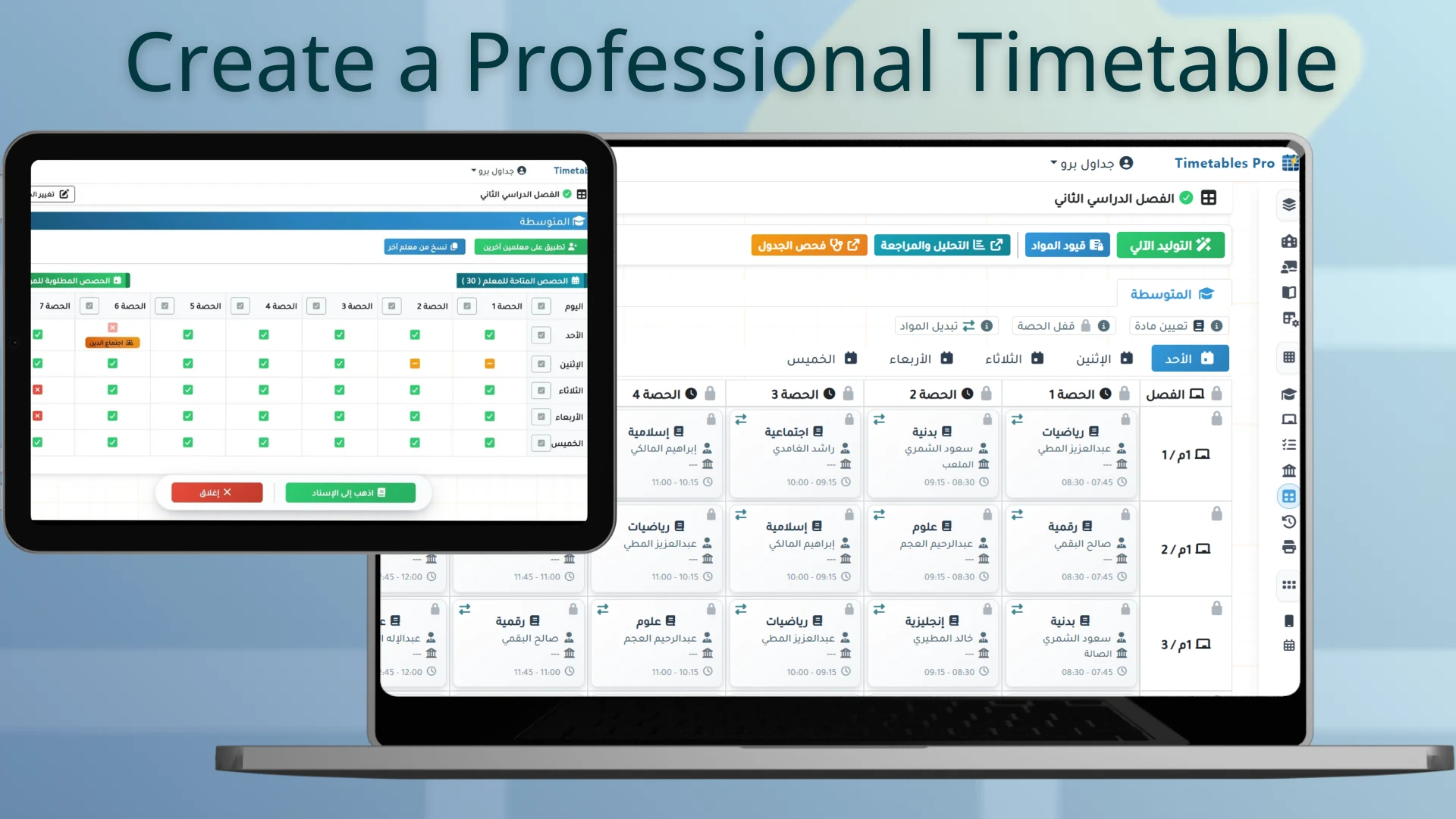
Burnout-Aware Timetables
Our AI-powered algorithm balances teacher workloads and allows for customizable constraints, ensuring a flexible schedule that perfectly fits your school’s unique requirements.
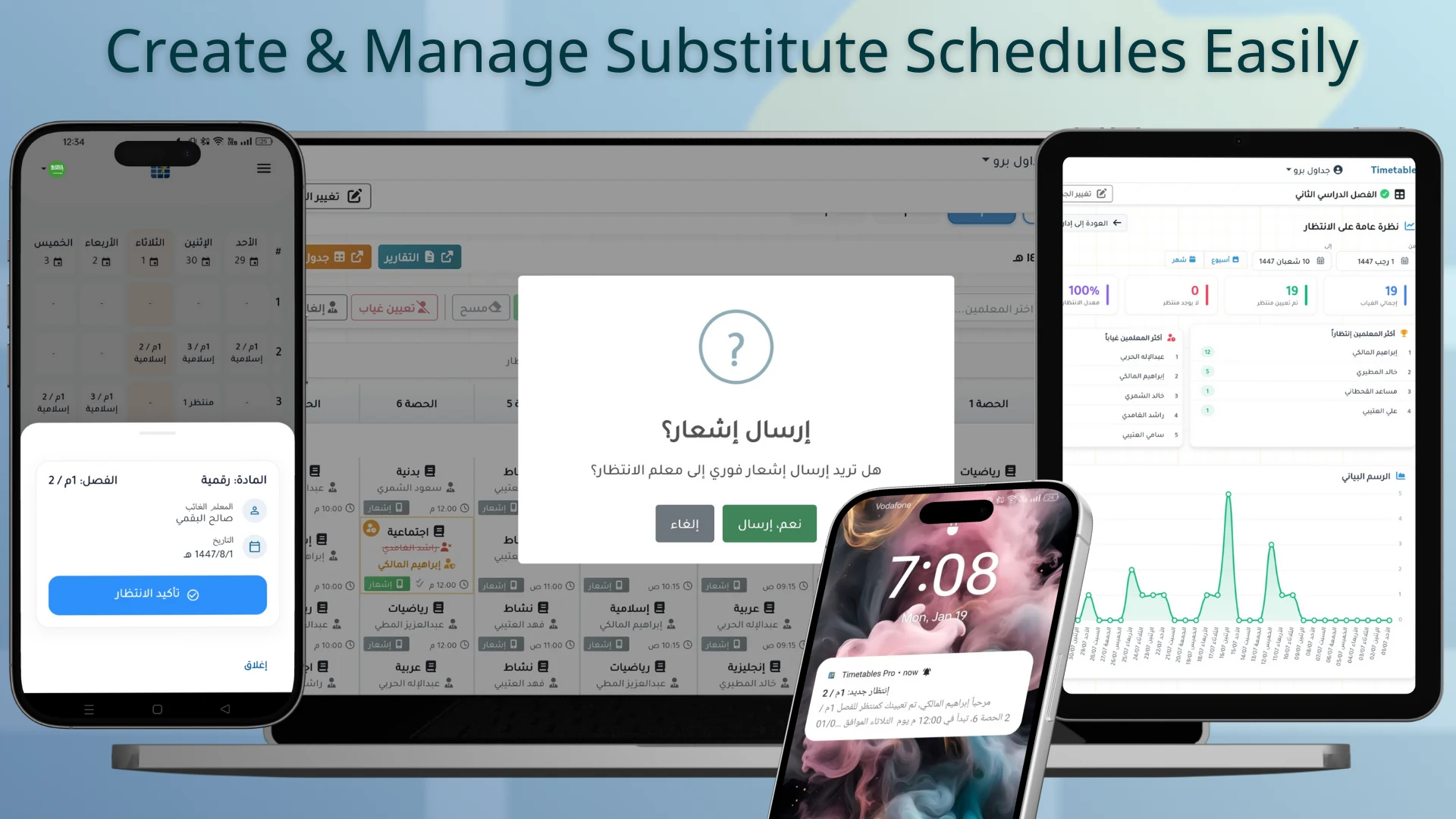
Smart Substitution (Cover)
Teacher absent? Instantly find the best 'Cover' based on availability and workload. One click to assign and notify the teacher. with ability to customize dedicated substitutes schedule.
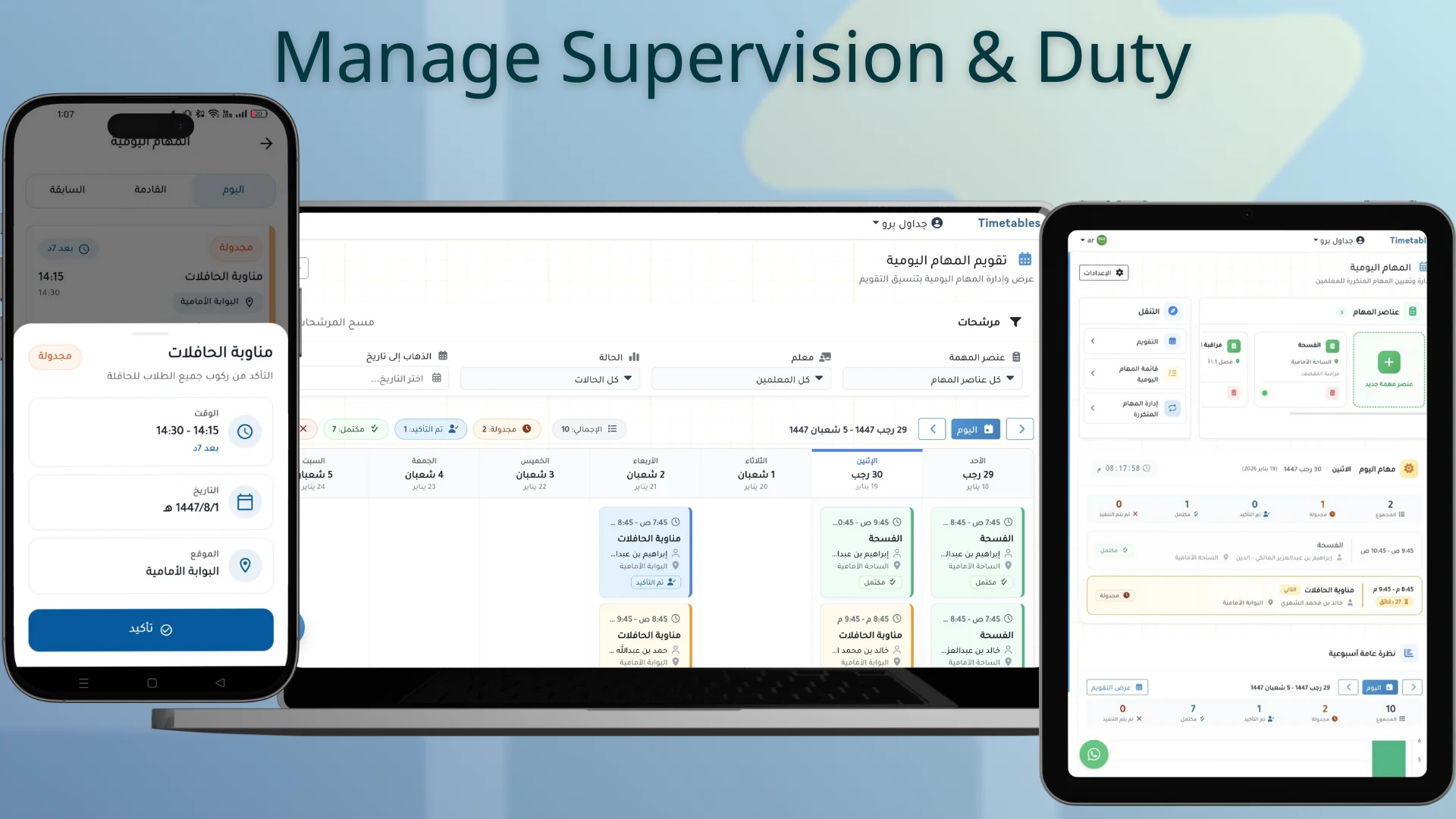
Integrated Duty
Assign special duties such hallway supervision and bus supervision. Teachers receive notifications and reminders to ensure coverage.
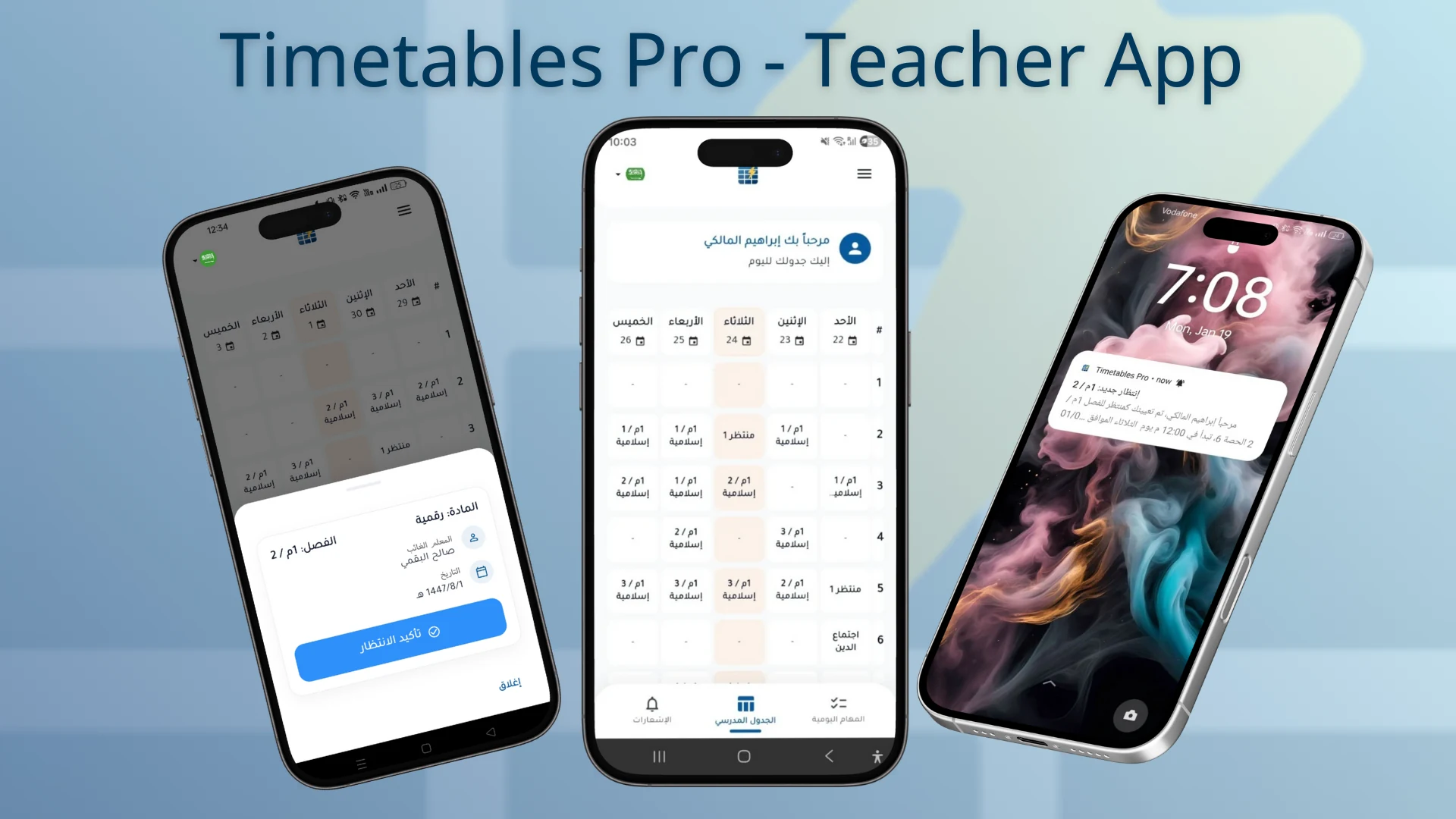
Mobile Applications
Stop printing new schedules for every small change. Teachers receive instant updates on their phones for new tasks or schedule shifts.
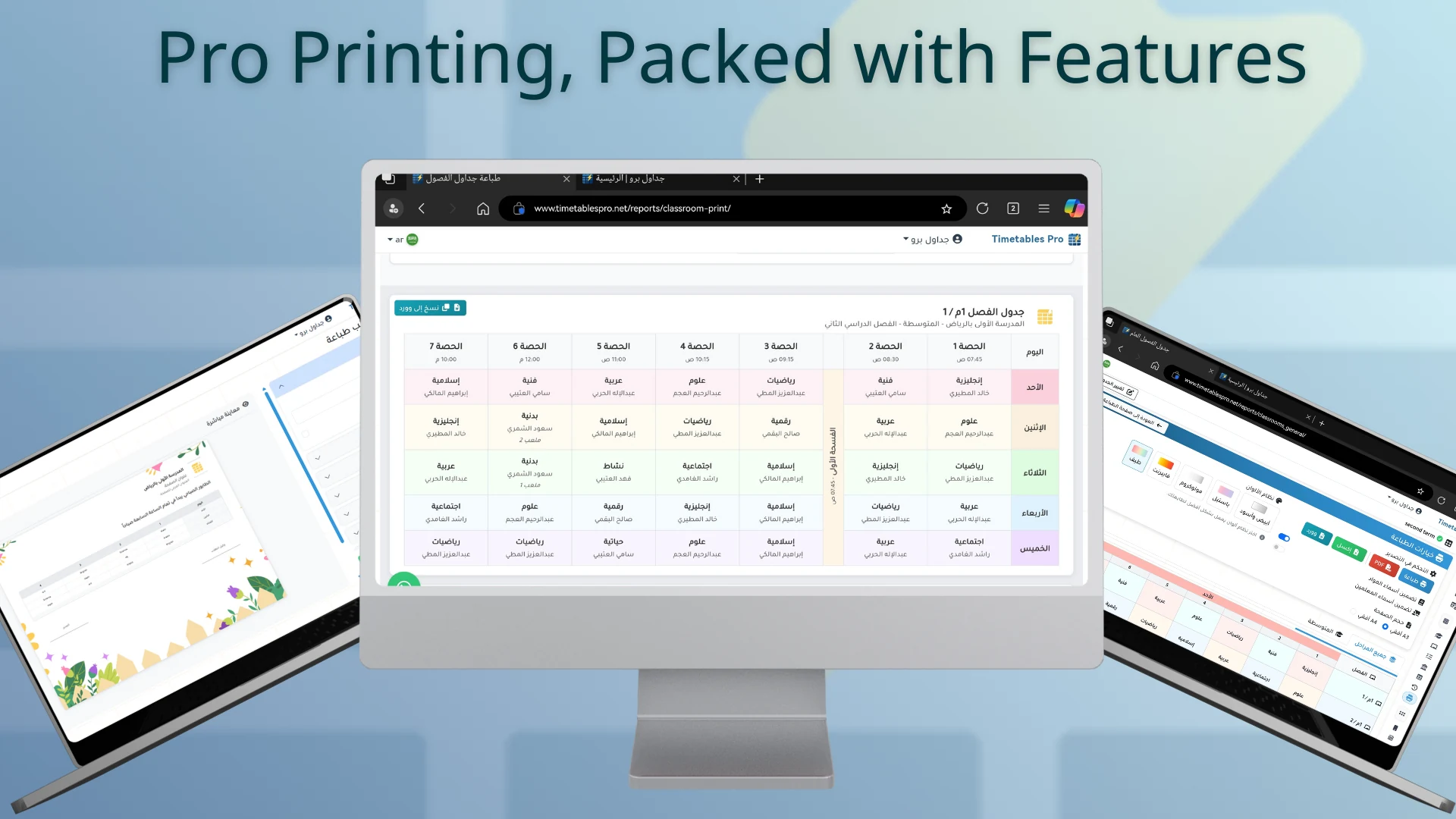
PDF, Excel & Word Ready
We love paper too. Export beautiful, ready-to-print templates for classes or teachers directly to Excel and Word with professional layouts. You can also integrate timetables to your school special word templates.
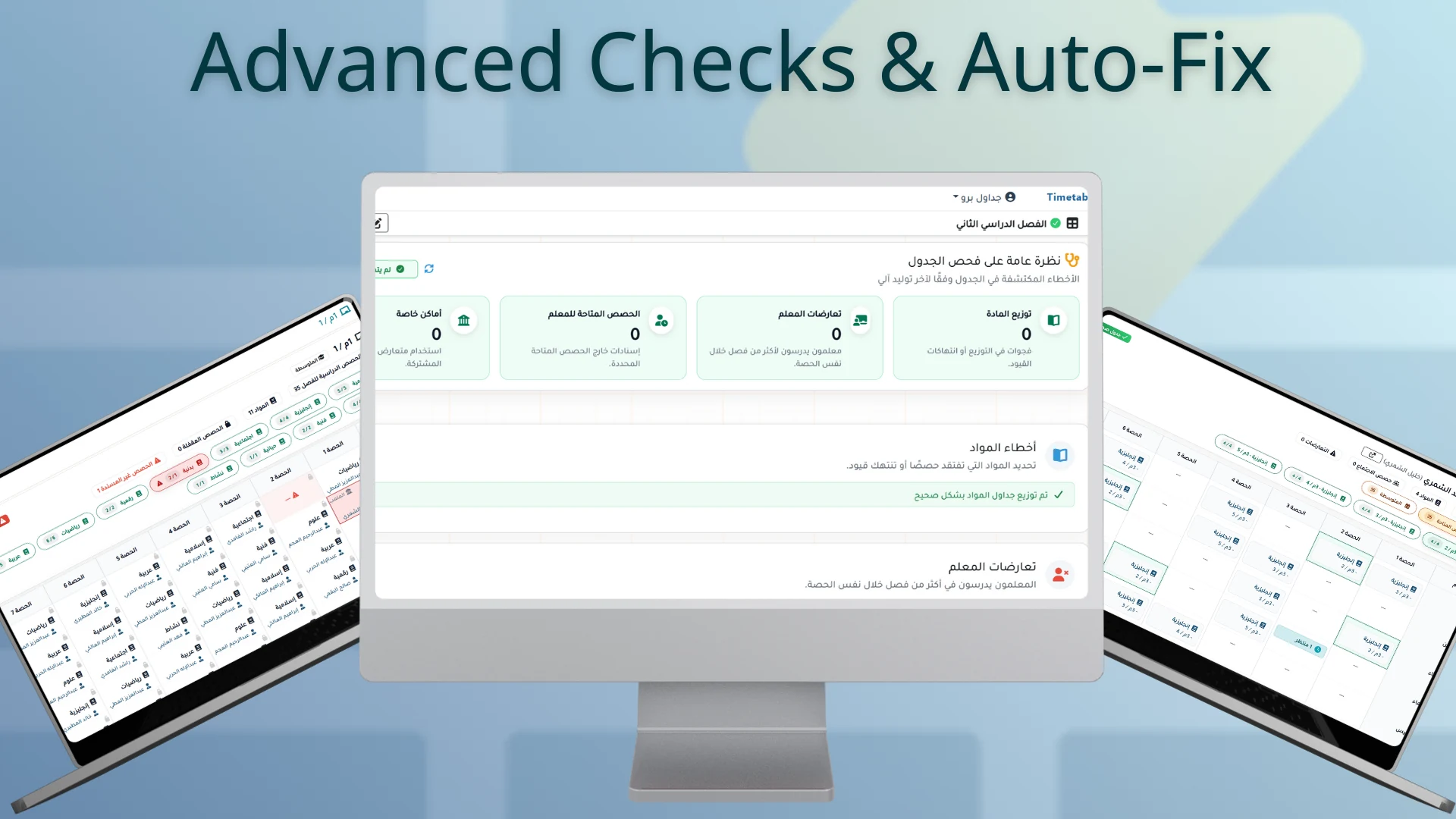
Advanced Conflict Detection
Our real-time engine flags overlaps in teachers, rooms, and labs as you work, ensuring your school day runs with zero interruptions.
Frequently Asked Questions
Have a question? We're here to help you get the most out of Timetables Pro.
Yes. When you create a new account, you get a 7-day free trial that lets you set up your school data and generate timetables automatically, so you can evaluate the system in real use. No credit card is required, and you can subscribe later if Timetables Pro is suitable for your school.
Usually just minutes after entering the core data: teachers, grades, classes, and assignments. To start faster, you can import teachers via an Excel file and add subjects from inside the platform.
Yes. Teachers can be imported using an Excel file to speed up the initial setup, and subjects can be managed directly inside the platform.
Yes. Timetables Pro focuses on balanced workloads and teacher comfort within your school constraints, reducing common issues like back-to-back periods and uneven pressure.
Many timetables look correct on the surface but ignore teacher comfort and period clustering. Timetables Pro is AI-enhanced and applies key constraints from the start, producing a timetable that is closer to final approval without hours of manual adjustments.
You select the absent teacher and the affected period, and the system suggests the best available standby/substitute teacher based on availability and constraints. Then the coverage is confirmed in one click.
Yes. You can organize and distribute daily supervision duties clearly across teachers, so it is always visible who is on duty today without confusion.
Yes. Timetables can be exported to Word, Excel, or PDF for printing and sharing. You can also create templates inside the platform or merge schedules into your school’s Word templates.
School constraints and conflict checks are applied automatically from the beginning, while maintaining balanced workloads and avoiding period clustering—resulting in a clean timetable that is closer to final approval without manual editing.
Yes. Support is available via WhatsApp during setup or edits, and clear video tutorials are provided to help you start quickly and reach the best result.
Still have questions?, We're happy to help.
Chat on WhatsApp